








Payment Gateway for Bachs for WooCommerce needs two things from your Bachs account before it can take payments: an API key and a webhook endpoint. The API key lets the plugin talk to Bachs (create checkout sessions, issue refunds). The webhook endpoint lets Bachs talk back to your store, so an order moves from “pending” to “processing” the



Loading
How To
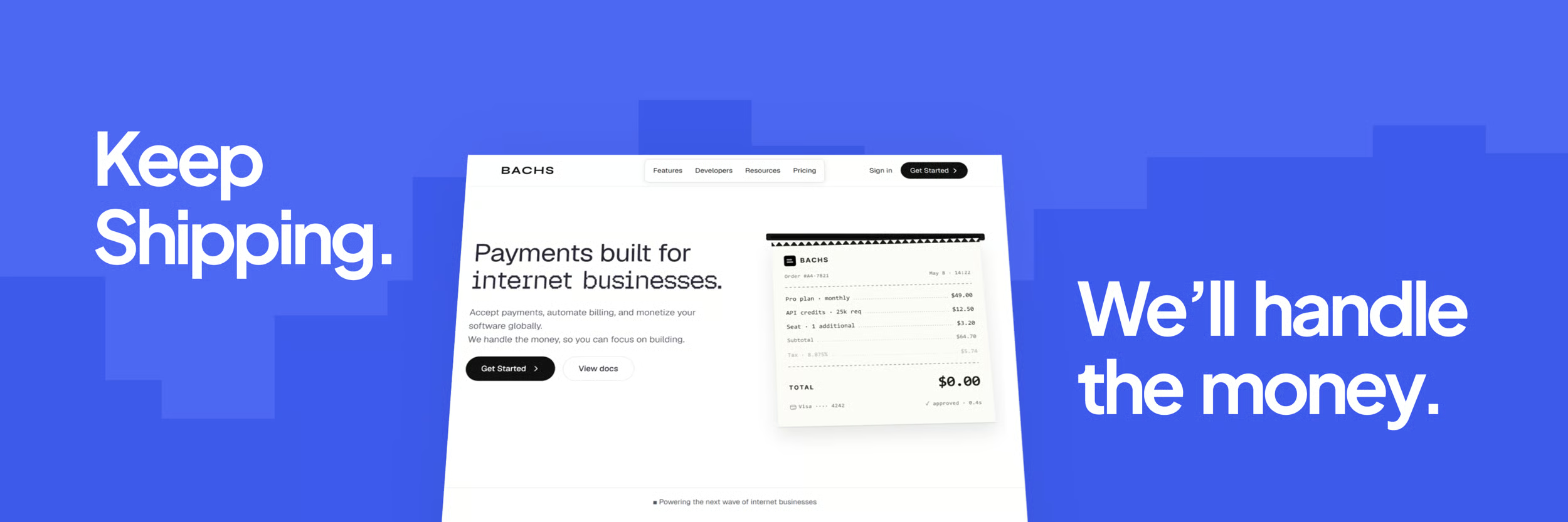
Bachs lets your WooCommerce store accept payments from customers across Africa; cards, bank transfers, mobile money, and crypto stablecoins. Customers can pay through a single secure checkout, and settles your funds in USD or NGN. This guide walks you through installing and configuring the Payment Gateway for Bachs for WooCommerce plugin so your store can
Read More 135
135
This guide will help you configure the ZainPay Payment Gateway in WooCommerce so your store can start accepting debit and credit card payments. Installation Automatic Installation Manual Installation Configuring ZainPay in WooCommerce Enable ZainPay Go to WooCommerce > Settings > Payments and click on the manage ZainPay button. This will take you to the ZainPay
Read More645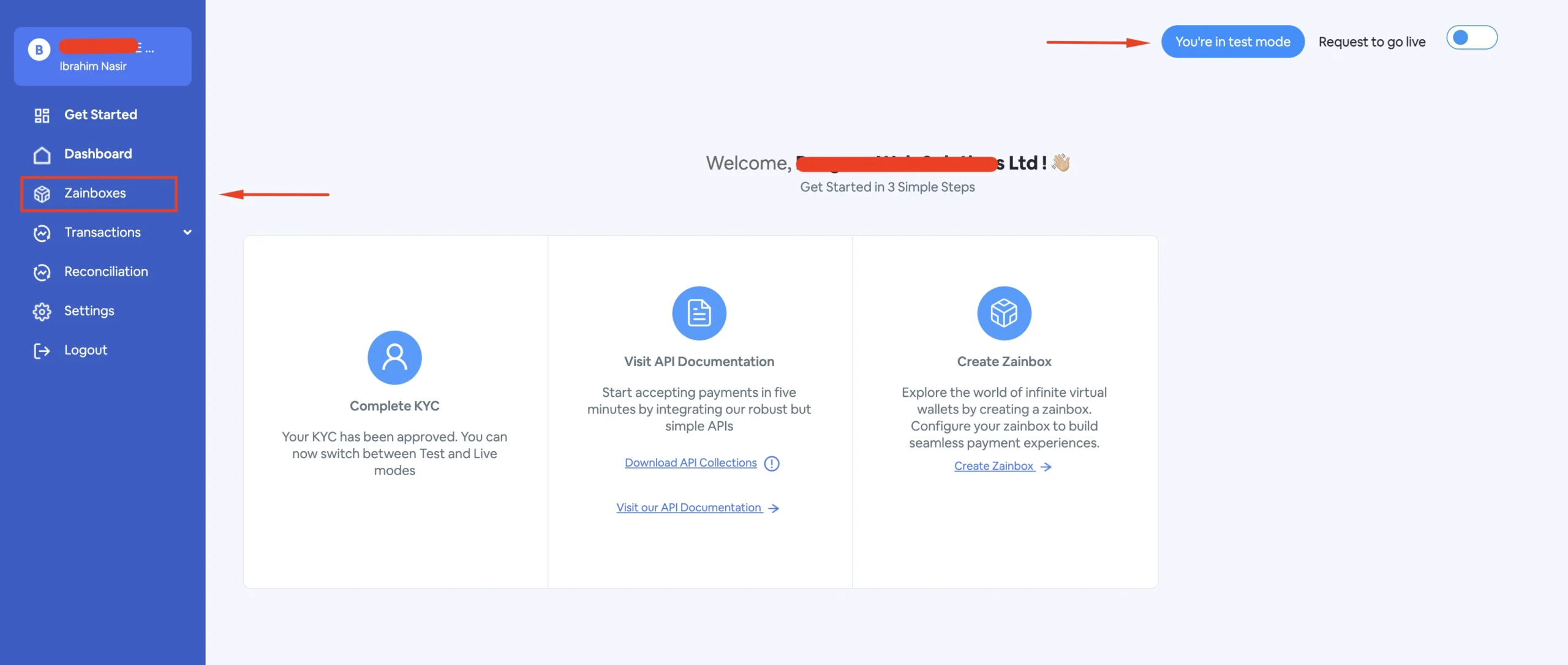
The Add a Zainbox page allows merchants to create and configure a Zainbox account for receiving payments through Zainpay. Each Zainbox has its own prefix, callback URL, settlement type, and settlement account(s). This guide will show you how to add a Zainbox from your ZainPay dashboard. Open the Add a Zainbox Page Navigate to your
Read More505